
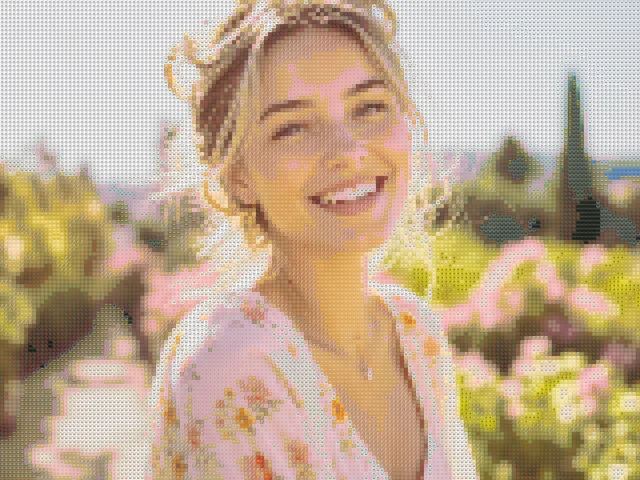
Western woman portrait emoji mosaic
detailed / mixed / 10px
Use this exampleTurn your photo into a picture made of emojis. Generate locally and download a PNG.
Drop your photo here
JPG, PNG, or WEBP. Up to 10MB. Your photo stays in this browser.
detailed / mixed / 10px
Use this example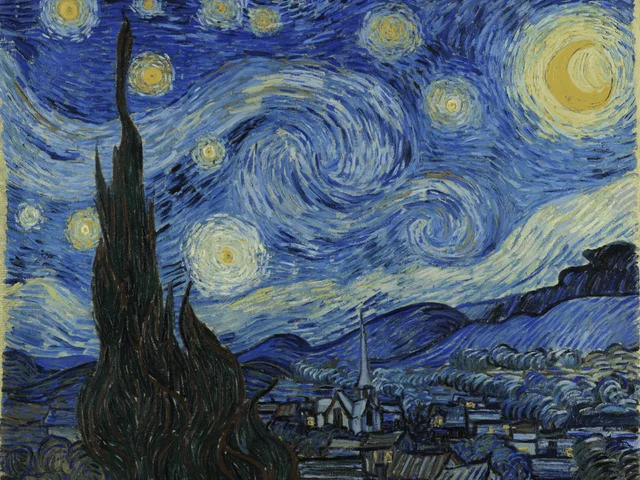
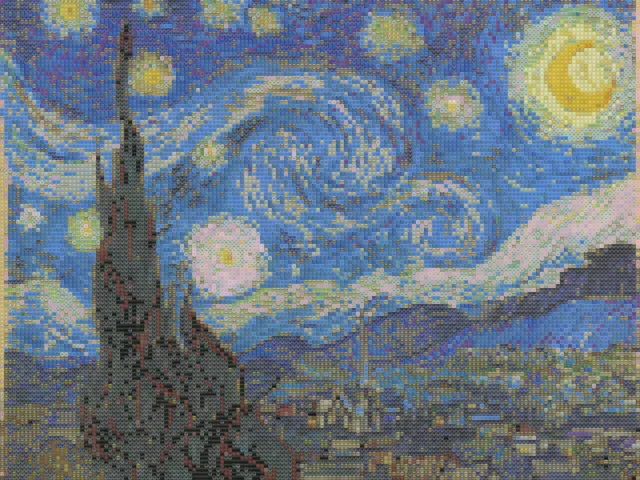
detailed / mixed / 10px
Use this example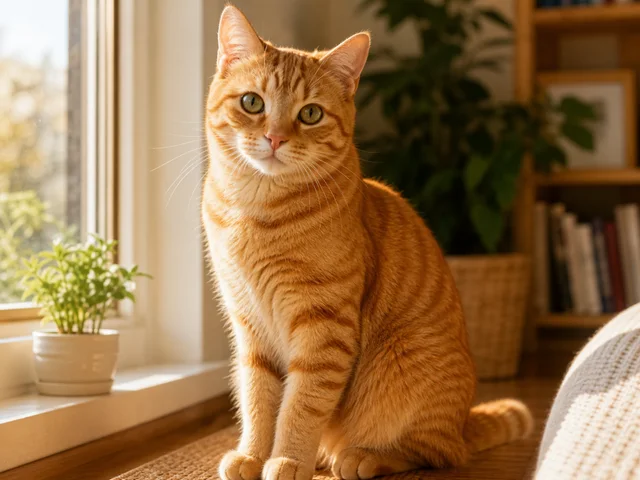
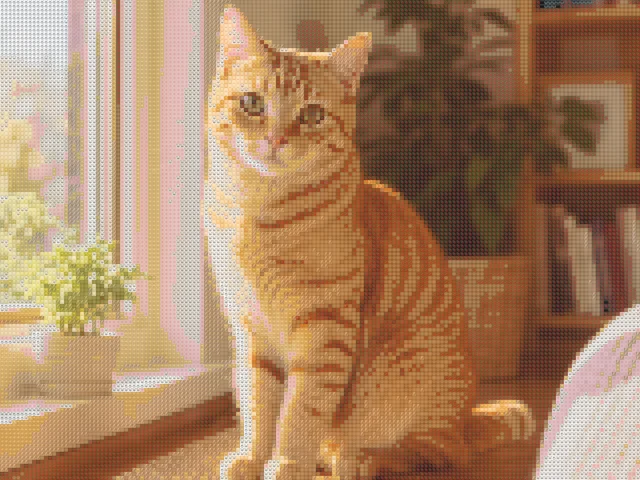
detailed / mixed / 10px
Use this exampleAn emoji mosaic rebuilds the whole photo from a grid of small colored symbols. From a distance, the grid preserves the large shapes of your image. Close up, the individual emoji become visible. This is different from placing a sticker over a photo or generating one new emoji.
Start with a single, well-lit subject. A close portrait, a pet with visible eyes or artwork with strong color areas gives the matcher clearer boundaries than a crowded screenshot.
Open a file from your device for automatic local analysis, or use an example to load its source image and saved settings. The before/after view compares the source with the generated canvas, so you can check whether the subject is still recognizable.
Adjust one setting at a time. Detailed mode favors a finer grid; Bold makes each emoji larger. Mixed offers more color choices, while themed palettes intentionally restrict which symbols appear.
Preview uses a longest edge of up to 920 pixels on desktop or 720 on mobile. HD PNG raises that limit to 1800 pixels. The actual output dimensions appear above the result, and small source files are not enlarged.
Download encodes the current canvas only when you request the file. For large outputs the tool may increase emoji size to stay within 20,000 tiles. The adjusted value is shown in the controls.
Your original file is decoded and processed on your device. A downloaded PNG does not need a server upload. Share is optional and uploads only the generated mosaic and settings after confirmation.
A shared result is accessible to anyone who has its link. A noindex instruction is not a password or an access restriction, so avoid sharing results you do not want others to see.
No. It matches parts of your existing image to emoji tiles. It does not invent a new subject, draw a custom emoji or create an animated sticker.
Use a closer crop with a simple background. Choose Detailed mode and compare a smaller emoji size with the starting value. If a themed palette loses important colors, try Mixed before changing several other settings.
Emoji are drawn with the browser and operating system fonts. Their shapes and colors can differ. A saved PNG preserves the appearance produced on the device where you exported it.
No account is required for the current tool. Preview and HD PNG exports are free and have no watermark. HD uses a longest edge of up to 1800 pixels and does not enlarge a smaller source image.
Use JPG, JPEG, PNG or WebP up to 10MB. Convert HEIC and other unsupported formats before opening them. A file with a supported name can still fail if it is damaged or its actual format is different.
No. Opening a file, generating the mosaic and downloading PNG happen locally. Creating a share link is a separate, confirmed action that uploads the generated PNG and settings. Anyone with that link can view the result; the original photo is not included.