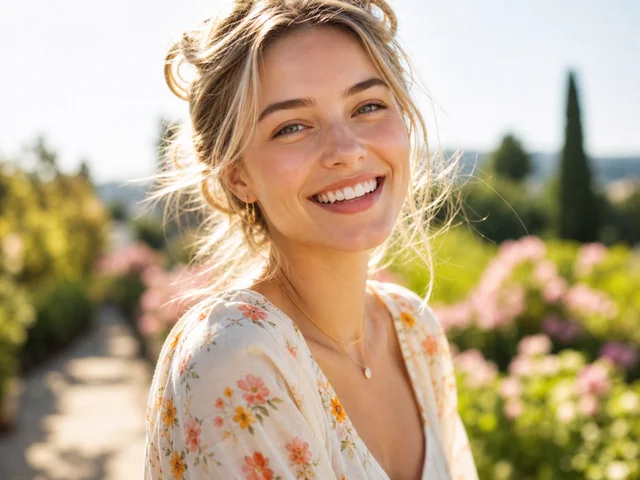
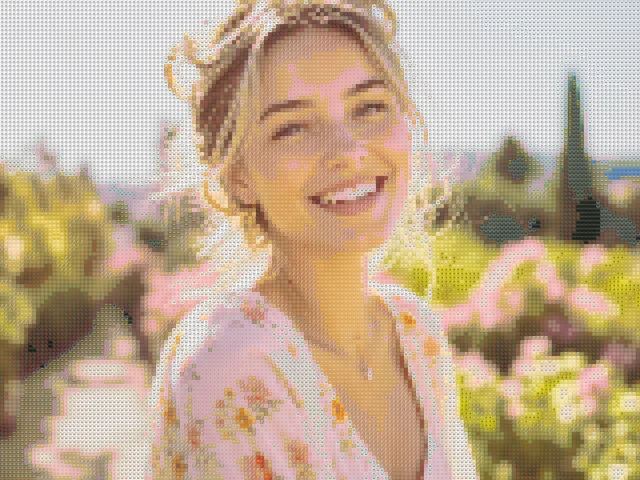
Western woman portrait emoji mosaic
detailed / mixed / 10px
Use this exampleKeep a face recognizable at a glance. Start with Detailed mode and the Faces palette.
Drop your photo here
JPG, PNG, or WEBP. Up to 10MB. Your photo stays in this browser.
detailed / mixed / 10px
Use this example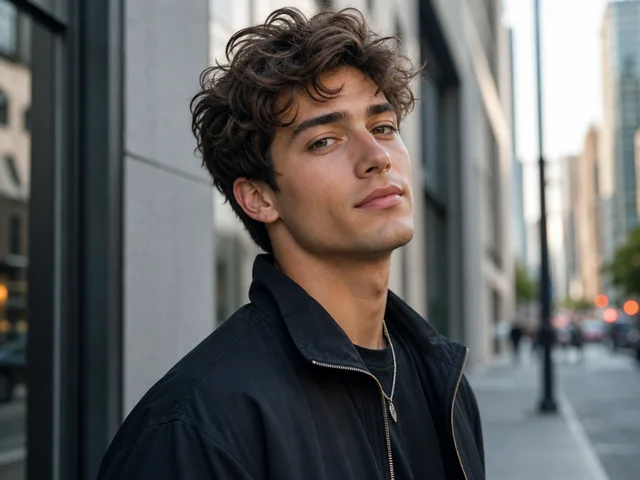
detailed / mixed / 10px
Use this example

detailed / mixed / 10px
Use this exampleUse a close head-and-shoulders portrait rather than a full-body photo with a tiny face. Eyes, mouth and the outline of the head need enough tiles to remain separate. A large image does not help if the face still occupies only a small part of it.
Original preserves the source shape. Square can work for an avatar, but the tool crops from the center rather than detecting or following the face. Prepare an off-center portrait in your photo editor before opening it.
Even light across the face and a quiet background give the matcher clearer boundaries. A strong shadow across one eye, a bright window behind the head or a similarly colored background can make the portrait harder to recognize.
If dark areas disappear, turn off Hide dark / transparent areas. If the whole portrait is muddy, improve the source exposure or crop before compensating with many parameter changes.
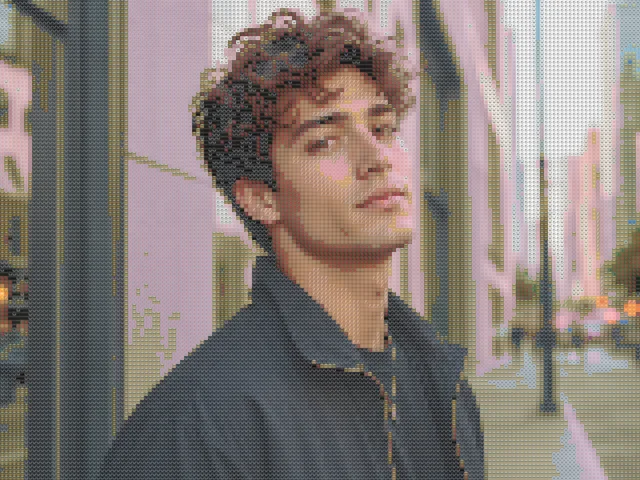
The Faces palette uses face emoji as tiles. It does not identify the person or produce a single avatar emoji. The page keeps Faces and Detailed selected after upload while adapting the tile and color settings.
Compare Mixed when skin, hair or clothing colors matter more than a face-emoji theme. A wider palette may offer closer color candidates, while Faces makes the mosaic theme more obvious.
A fine mosaic may look clear when enlarged and become indistinct in a small profile circle. Inspect the result at roughly the size where it will appear, then choose between finer structure and more visible emoji.
Download PNG keeps the appearance drawn by your current device. HD supports up to 1800 pixels on the longest edge, but it does not recover facial details that were absent from the source.
No. It converts the colors of an existing photo into emoji tiles locally. It does not perform identity recognition or generate a new facial likeness.
The face may be too small, the tiles too large, or the eye area too dark. Crop closer, try Detailed with a smaller emoji size, and compare with Hide dark / transparent areas turned off.
Yes. Faces controls the symbols used as tiles, not the subject of the image. Mixed can help when you want more color choices.
Yes. Choose Square in Advanced settings. It crops the source centrally, so an off-center face may need a separate crop before upload.
No account is required for the current tool. Preview and HD PNG exports are free and have no watermark. HD uses a longest edge of up to 1800 pixels and does not enlarge a smaller source image.
No. Opening a file, generating the mosaic and downloading PNG happen locally. Creating a share link is a separate, confirmed action that uploads the generated PNG and settings. Anyone with that link can view the result; the original photo is not included.