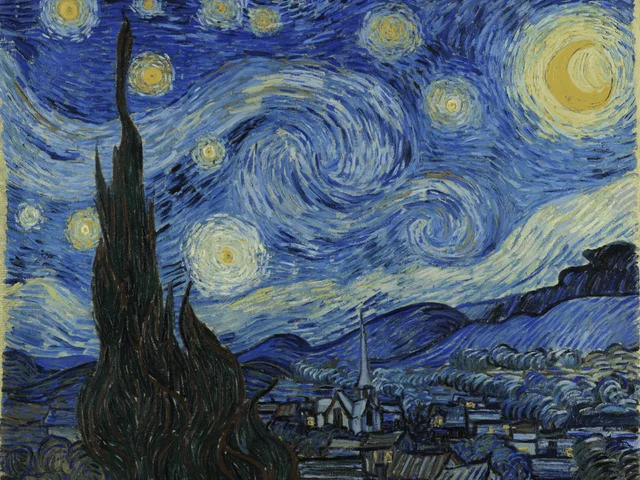
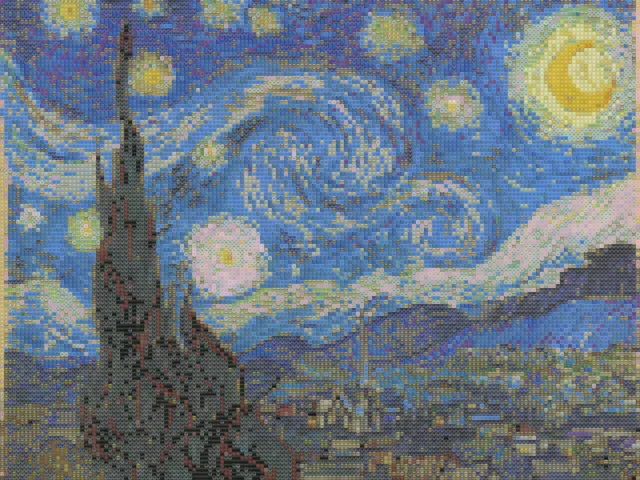
Van Gogh Starry Night emoji mosaic
detailed / mixed / 10px
Use this exampleBalance a recognizable picture with visible emoji tiles. Start in Detailed mode.
Drop your photo here
JPG, PNG, or WEBP. Up to 10MB. Your photo stays in this browser.
detailed / mixed / 10px
Use this example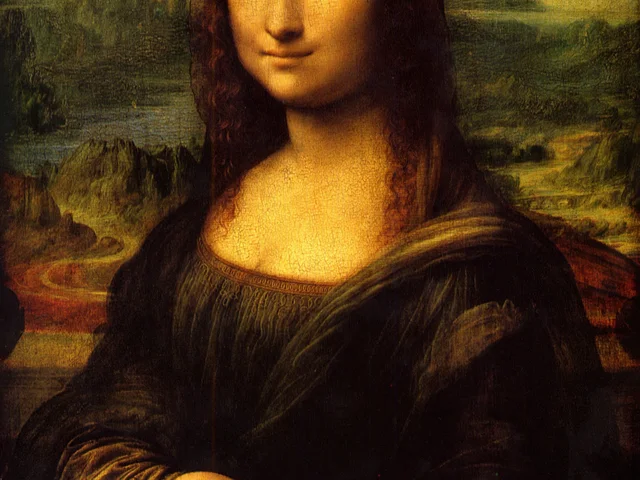
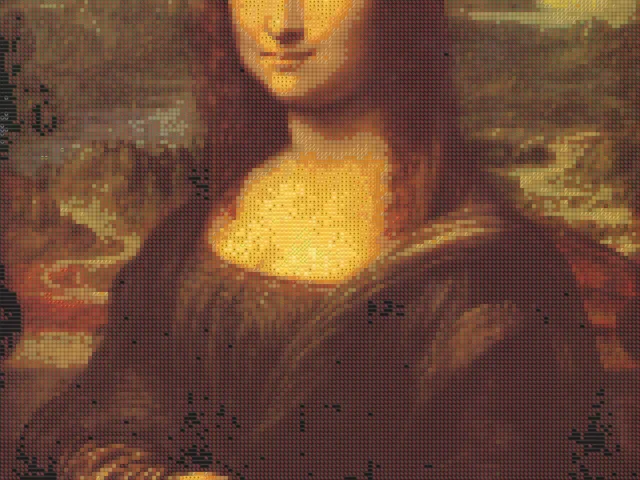
detailed / mixed / 10px
Use this example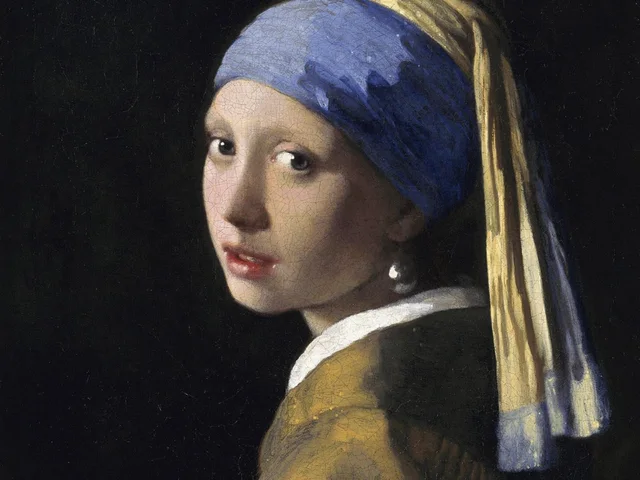
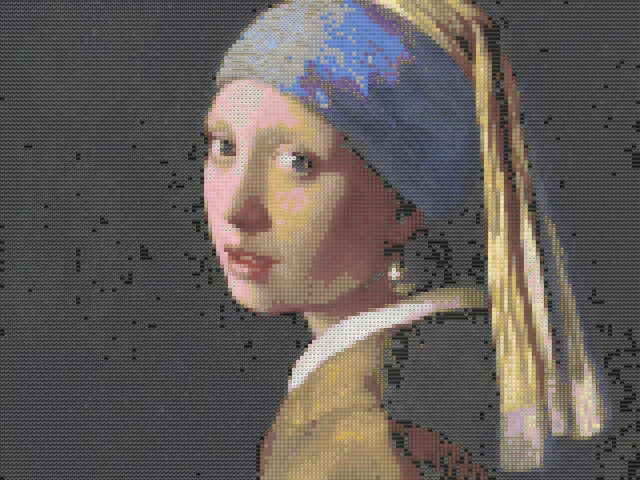
detailed / mixed / 10px
Use this exampleEmoji size controls the distance between tiles in the output image. At the same output dimensions, a smaller value creates more rows and columns. It usually preserves outlines better, but each individual emoji is harder to distinguish at normal viewing size.
For a practical comparison, keep one source image and try 10, 16 and 24 pixels in Preview quality. Compare the subject from a distance, then inspect the emoji texture. These are starting points, not settings that work for every photo.
Detail level changes the area sampled for matching; it is not an output resolution setting. Color tolerance changes how closely candidate emoji follow the sampled colors. Leave one unchanged while testing the other so you can see which adjustment actually helps.
Use Mixed when retaining several source colors is important. Faces, Animals, Nature and the other themed palettes reduce the available symbols, so a stronger theme may trade away some color accuracy.
The renderer caps results at 20,000 tiles. A 1800 by 1800 output with 10-pixel tiles would need 32,400 cells. The tool therefore increases the tile size enough to fit the budget while keeping the requested output dimensions.
This also means switching from Preview to HD is not a promise of a finer grid at the same tile value. Check both the final dimensions and the tile count above the result before downloading.
A mosaic that looks clear on a large canvas may lose its subject as a small avatar. A large emoji grid can work as a poster texture but obscure small eyes or lettering. Compare at the size where you plan to use the PNG.
This tool renders a colored PNG. Emoji text art is a sequence of characters whose spacing and wrapping depend on the receiving app. The current download is an image, not a copyable text grid.
It often improves the overall outline, but the emoji themselves become harder to see. Busy backgrounds and tiny source subjects can remain unclear at any tile size.
The requested output exceeded the 20,000-tile budget. The tool keeps the output dimensions and raises tile size to fit, then displays the new value.
Mixed is a useful starting point because it has symbols from several categories. A themed palette is an artistic restriction rather than a guarantee of more accurate matching.
No account is required for the current tool. Preview and HD PNG exports are free and have no watermark. HD uses a longest edge of up to 1800 pixels and does not enlarge a smaller source image.
No. Opening a file, generating the mosaic and downloading PNG happen locally. Creating a share link is a separate, confirmed action that uploads the generated PNG and settings. Anyone with that link can view the result; the original photo is not included.